See the wedding your guests saw.
One QR code lets guests add their photos to your shared wedding album. They can upload from their phones without downloading an app or creating an account.
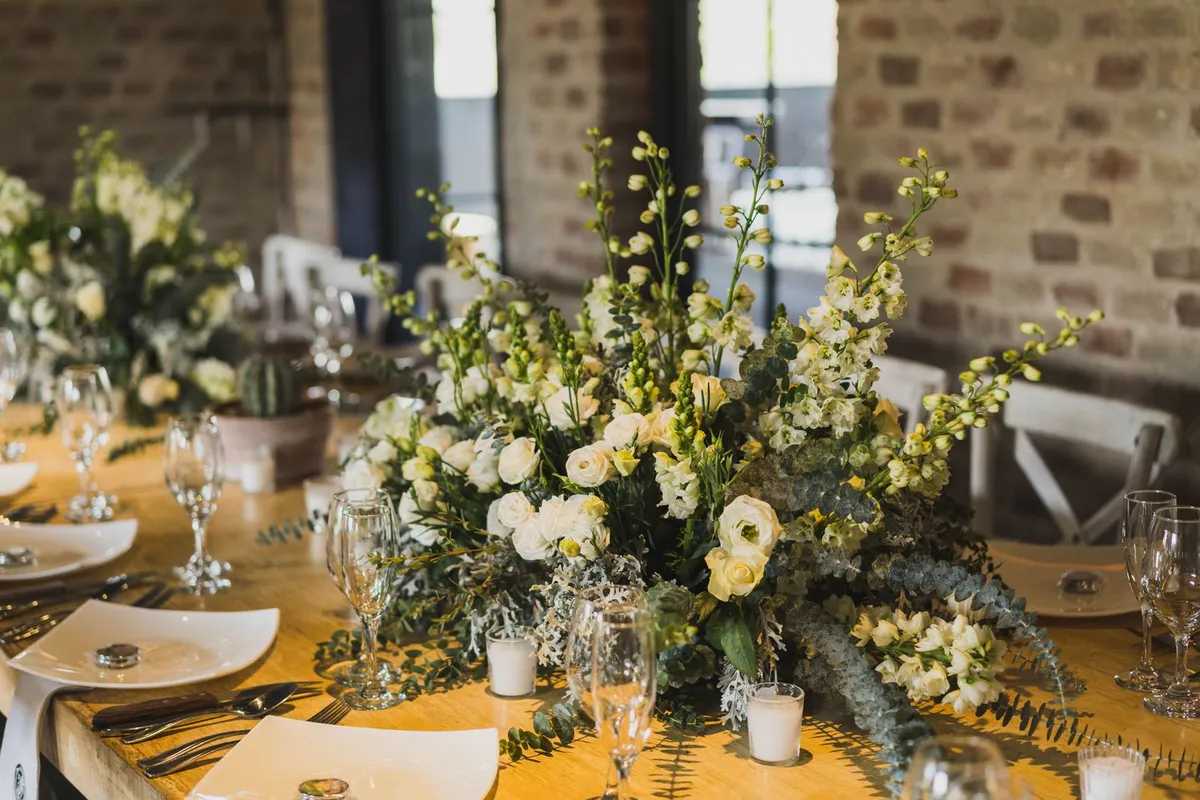


How it works
Share one QR code
Put it on a table card or share your album link with guests.
Guests add their photos
They open the link in their phone browser, choose photos and leave a note if they like.
See the day together
Browse the shared gallery and download the original photos to keep.
The sample album
See how wedding photos and messages come together in DaySnap.
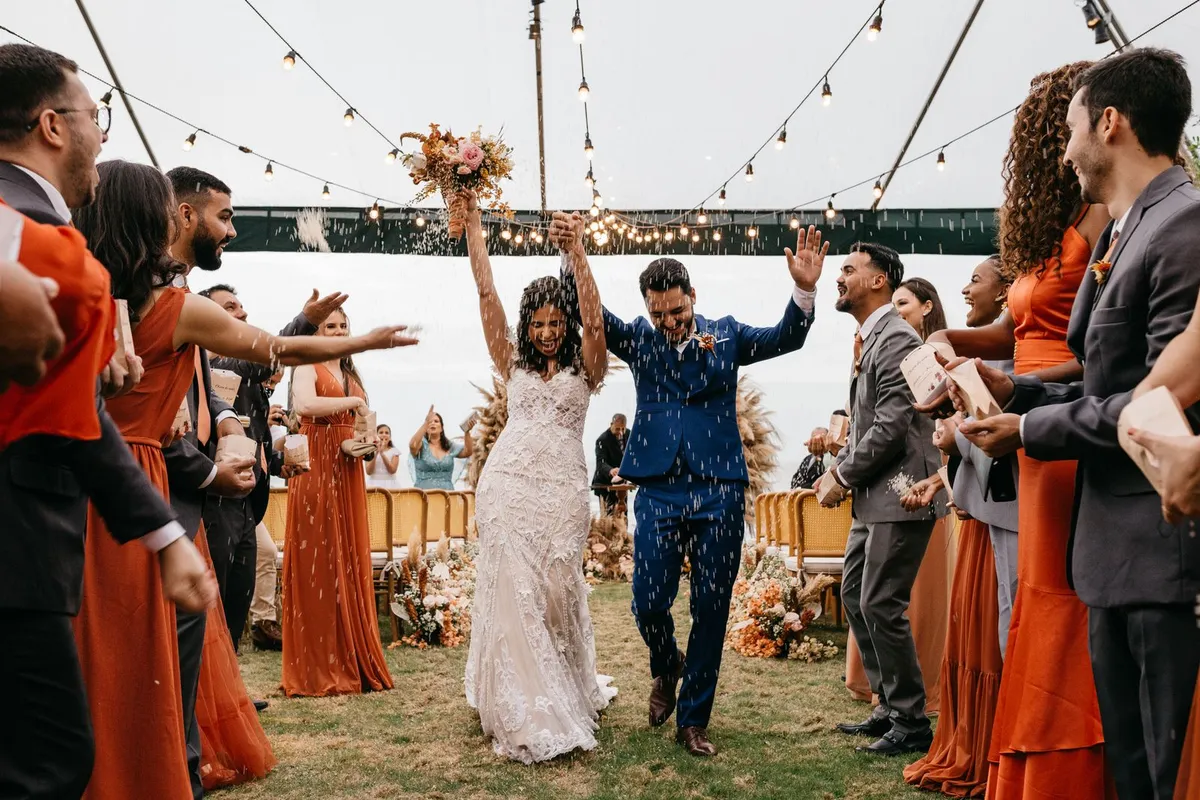


A plan for your day
Compare the one-wedding pass and monthly plans for more events.